Two bags can both say “20 inch” and feel nothing alike. A line like 55×40×23 cm still will not tell you whether the handle hits your shoulder.
Use the sample above for a gut check, then open Custom on the home page and type your bag’s outer dimensions as a rectangle next to someone you recognize.
How to compare luggage size here
From the sample to your own bag in a few minutes.
- Look at the sample lineup
The chart stacks a reference person with two suitcase outlines. Labels show height so the gap is obvious without guessing from a product photo.
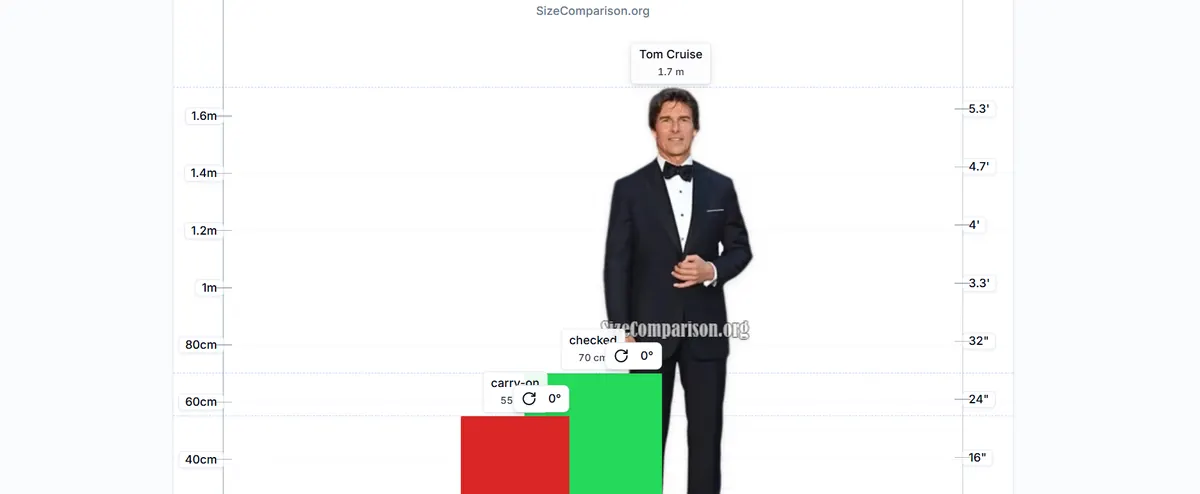
Sample: ~55 cm carry-on and ~70 cm checked beside a 1.7 m figure. - Open the same sample on the home chart
Tap Open sample on home. You keep the person and the two bag rectangles—ready to rename or resize.
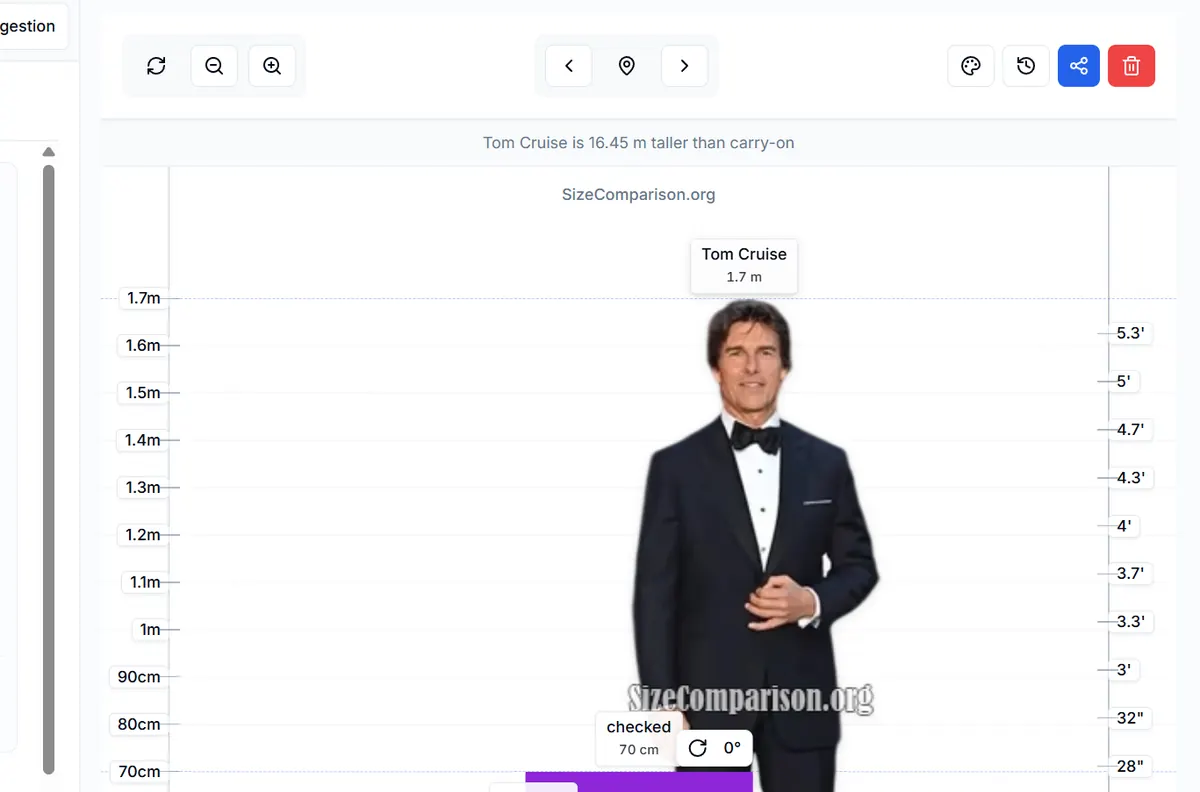
Same lineup on the home tool—edit sizes or add another rectangle. - Add or edit a bag as a Rectangle
Under Custom, choose Rectangle. Enter name, Width, Height, and Thickness in millimetres (convert from the product page once). Tap Add to Comparison.
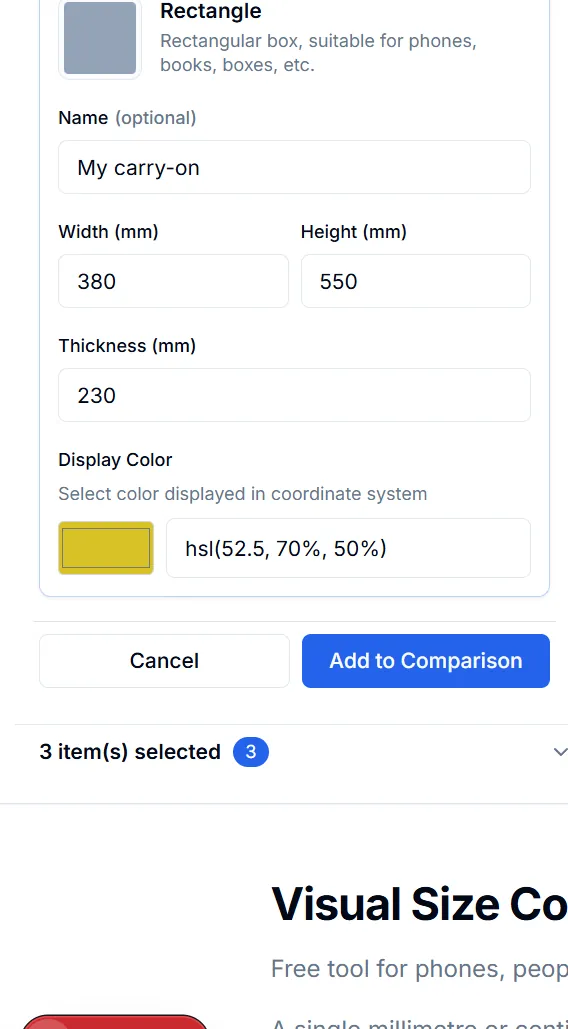
Custom → Rectangle: name your bag, enter outer mm, then add to the chart. - Optional: swap the person or share
Pull someone else from Height, or add yourself on Person. When the lineup looks right, share a link or export an image for chat.
How to measure outer dimensions
Airlines care about the outer outline—wheels and handles often count:
- Stand the bag upright the way it rolls through the cabin or check-in.
- Measure the longest outer height, then width and depth including wheels and side handles.
- Convert to millimetres once (1 cm = 10 mm) and type those three numbers into Rectangle.
Brands swap which edge they call height versus width. Follow the seller’s diagram and fill the same three fields each time so charts stay comparable.
Typical outer sizes (for scale only)
Rough ranges people often type when comparing at home—not a ticket rule:
| Bag type | Outer H × W × D (approx.) |
|---|---|
| Personal / under-seat (small) | 40 × 30 × 15 cm |
| Carry-on / cabin (common) | 55 × 40 × 23 cm |
| Checked medium | 70 × 45 × 30 cm |
Your airline may publish a different box or linear limit. Treat this table as a starting point for the chart, not boarding proof.
Small habits that keep the chart fair
Use one unit system for every bag on the chart. Mixing inches for one suitcase and centimetres for another invents fake gaps.
Rotate a rectangle if side view matches how you roll it past a door. Keep the first lineup to two or three bags so the scale stays readable on a phone.
FAQ
Why put a person next to the suitcase?
A height you recognize turns centimetres into something you can picture—shoulder height, aisle squeeze, or “too tall for this photo.”
Which number goes in Height vs Width?
Match the seller’s diagram. For rolling bags, Height is usually the upright outer height including wheels. Stay consistent across bags you compare.
Does this page replace airline size rules?
No. Use the chart to picture size; confirm carry-on and checked limits on your airline’s official page for that ticket.
What does a share link keep?
Links restore named sizes for figures and rectangles. Confirm numbers before you treat a shared chart as final packing advice.