Adding yourself is usually less about fashion photos and more about honest height. You want a named figure on the same scale as everything else on the chart.
Most comparisons only need a name and a height. Upload is optional: use it when a blank silhouette feels too anonymous.
How to add yourself
A silhouette takes about a minute. Upload takes a little longer if you crop first.
- Open Custom and stay on Person
Tap Add myself on the chart. Fill Name, Height, and Figure, then Add to chart. That alone is enough for most “me next to X” questions.
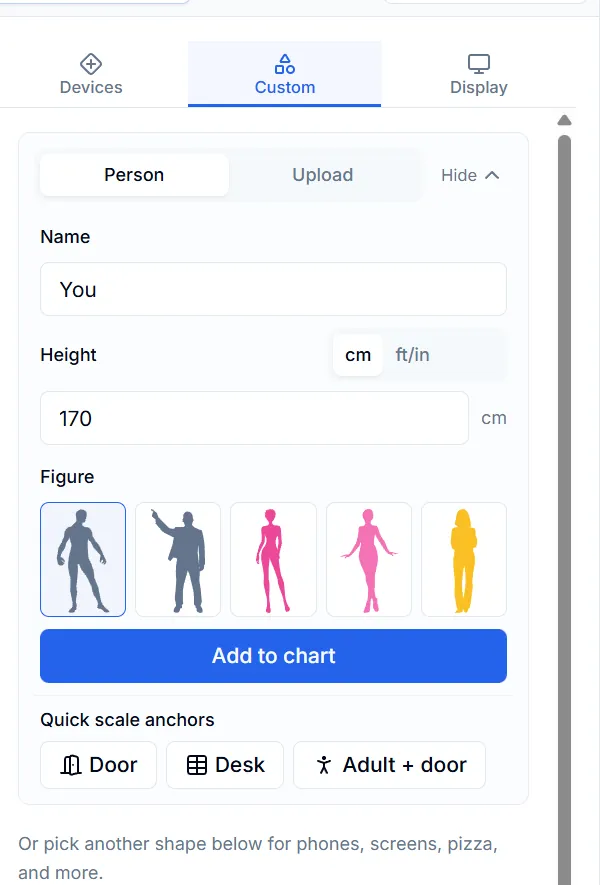
Fast path: Name, Height, Figure, then Add to chart. - Switch to Upload only when you want your likeness
Choose image, set the same height, then Add to chart. Prefer a standing full-body crop. Page links keep height only—export a PNG if friends need the artwork.
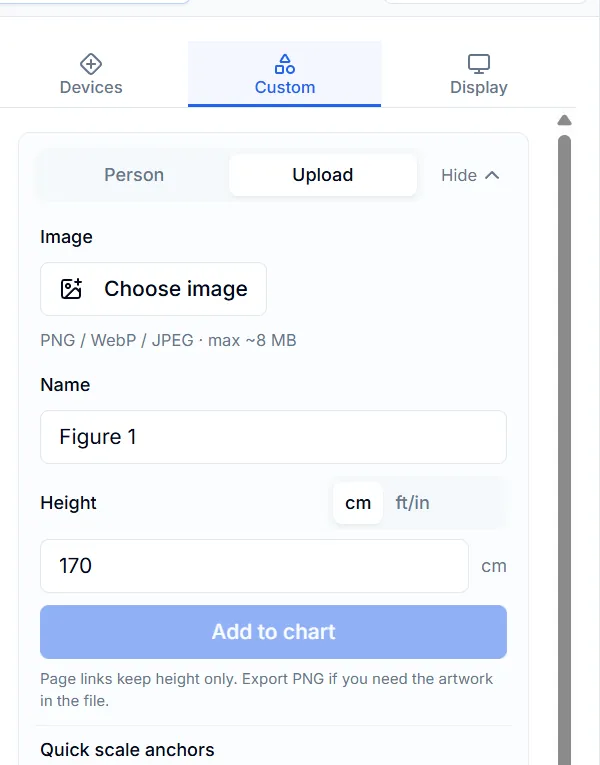
Upload path: Choose image, set height, then Add to chart. Links omit the image file. - Add a door (or whoever you came to stand beside)
Door under Quick scale anchors is about 200 cm. If you suddenly look taller than a normal doorway, check the height field or the crop—not the door.
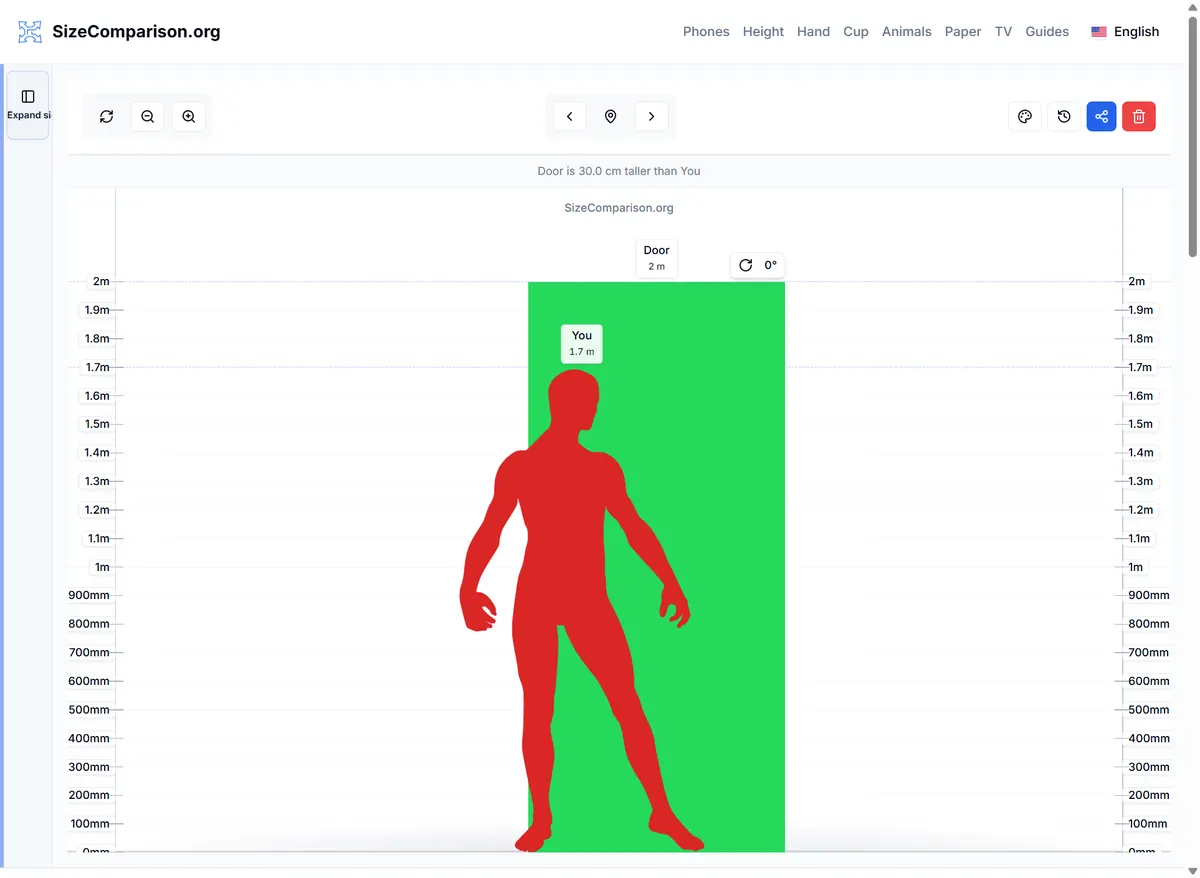
You beside a door—quick sanity check that the height looks believable. - Share carefully
A share link restores heights for simple figures. It does not send your uploaded photo. Export an image when the artwork itself needs to travel.
What makes a standing shot usable
Before you upload, check that the image can honestly represent a standing person:
- Feet visible, full body in frame—avoid sitting poses and extreme leans.
- Transparent PNG or a clean cutout beats a cluttered room background.
- Keep the file roughly under 8 MB.
- If the figure looks oddly wide or thin, re-crop. Do not “fix” it by faking the height number.
Small habits that help
Agree on shoes on or off before typing height. Heels change real-life impressions more than the chart can guess.
Start with a silhouette, finish the comparison, then replace with an upload later if you still need the likeness.
Related reading
- Compare your height — Why chat numbers fail, and how height gaps usually feel.
- Original character (OC) height chart — The same tools, aimed at original-character casts.
FAQ
Do I have to upload a photo?
No. A simple figure with your real height is enough for most comparisons.
Why can’t my friend see my upload from the link?
The link shares height information, not the image file. Export a PNG when the artwork needs to travel.
Can I stand next to a phone or a sheet of A4?
Yes. Add yourself first, then add those items on the same chart.